Best Fps and Setting for COD Modern Warfare 4 | Full Guide
One of the best and most exciting campaigns in the Call of Duty series is Modern Warfare 4, which is basically the end of the MW series. Because it's so good, lots of people wanna play it with the best graphics and FPS to make it even more enjoyable. Today I'm gonna tell you the Best Setting for COD Modern Warfare 4, so stick with me.
Why settings matter in COD Modern Warfare 4
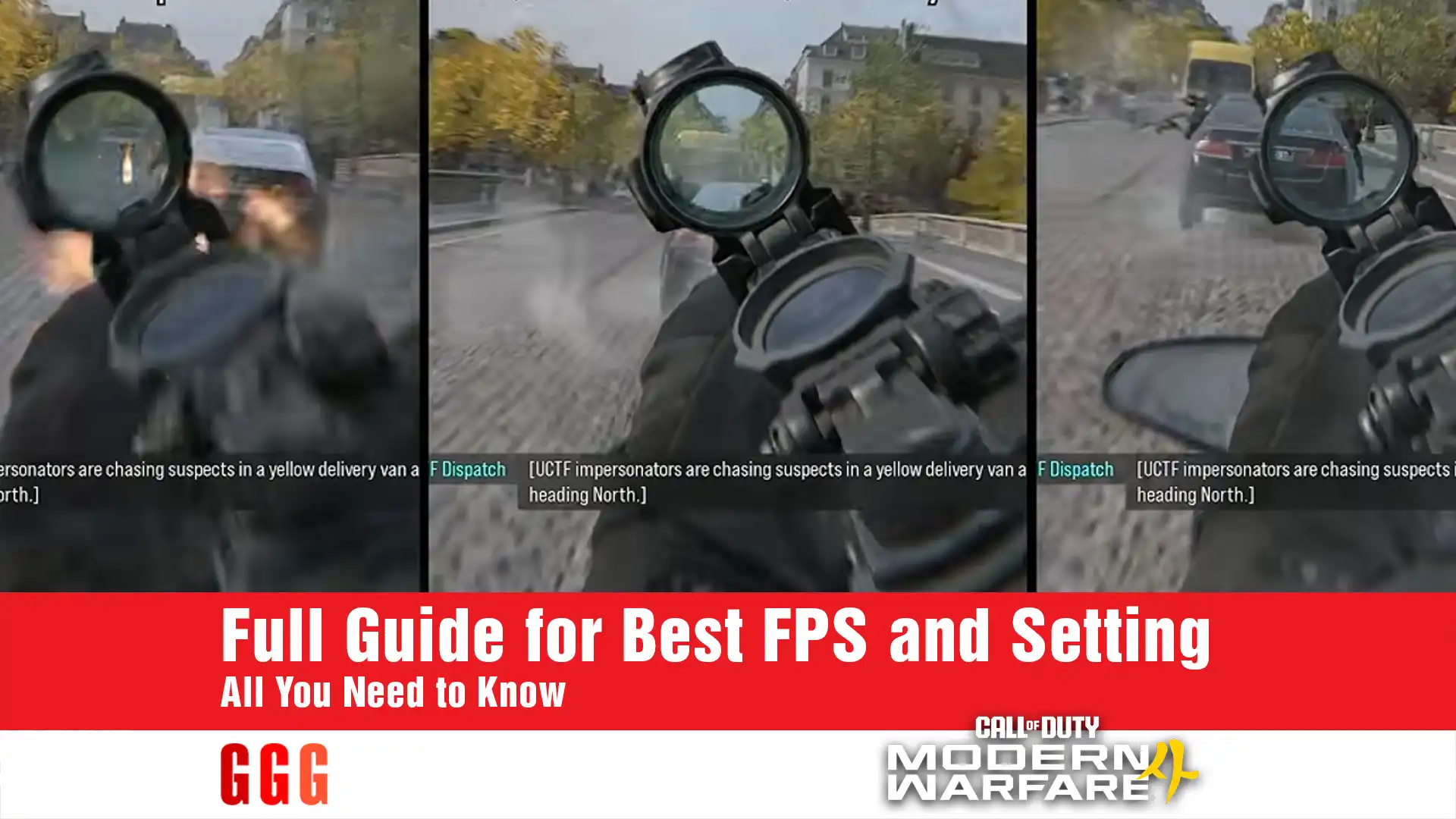
In MW4, one of the problems we run into is when we get near transparent surfaces like glass, that's when FPS drops hard and can give you a bad experience. Until the devs drop a fix patch, you gotta fix it yourself with the right settings. The good thing is the settings menu is complete, and by tuning a few options right, you can get FPS to a good level.
The main changes in Setting for COD Modern Warfare 4
To start reaching the Best Setting for COD Modern Warfare 4, let's begin with Ray Tracing. The problem is this option can only work with Filmic SMAA T2X and isn't compatible with DLSS. Since we don't have Reconstruction, a lot of noise gets added to the screen and it causes FPS drops, so we gotta turn Ray Tracing off.
The next option that has a big impact on the image is Variable Rate Shading (VRS). In Modern Warfare 4, a lot of the image is affected by this option, so it's better to leave it on.
Texture Resolution and On-Demand Texture Streaming settings
The performance of Texture Resolution and On-Demand Texture Streaming should be considered together, and it really depends on your graphics card and internet. One thing to note about On-Demand Texture Streaming is that it downloads and streams character and weapon textures, but it takes up a decent chunk of VRAM. For these two, I suggest applying these settings:
- If you're using an 8GB graphics card, set Texture Resolution to Normal and Streaming to Minimal.
- If you have good VRAM and internet, you can use Optimized Streaming.
- If your graphics card is under 8GB, set Texture Resolution to Low.
- You can also set Anisotropic Filtering to Ultra, it doesn't cost you much.
Settings to gain FPS
Another thing we gotta do for the Best Setting for COD Modern Warfare 4 is sacrifice some things for others. Here are the changes I can suggest:
| Setting | Recommendation | Reason |
|---|---|---|
| Global Illumination Quality | Medium (Multiplayer: Low) | Going from Low to Medium adds about 30% FPS, and Medium to High adds up to 50% |
| Shadow Quality | Normal | Higher options barely change anything and raise cost by up to 10% |
| Shadow Filtering | Normal | Setting it to High can boost FPS by up to 50% |
| Screen Space Reflections | Low (or Normal if noise doesn't bother you) | Costs up to 7% |
| Volumetric Quality | Low or Medium | Very High can boost FPS by up to 50% on clouds |
| Scatter/Foliage Density | Medium | Setting it to High adds 30% FPS |
| In-Game Video Quality | Standard | Doesn't make much difference in performance or quality |
Note: In online multiplayer, lowering GI, which reduces shadows and object density, has a couple of benefits. First, it helps improve FPS noticeably, and second, it gives you better visibility of the environment.
These settings changes are basically free
- Bullet Impacts and Persistence of Effects: Leave them on.
- Surface Quality and Screen Space Shadows: Set to High.
- Static Reflection Cubemaps: High.
- Weather Grid Volumes and Water Quality: Ultra.
- Terrain Quality: Medium or High.
- Particle Resolution: Very Low or Normal, changing it doesn't seem to do anything right now.
- Deferred Physics Quality: Doesn't cost you anything but might reduce your visibility.
Field of View settings
- I suggest turning off Weapon Motion Blur and Depth of Field since they add a lot of noise.
- Depth of Field also has a small impact on FPS, maybe around 2%. But Field of View, since the game has weak LOD and reduces object quality at a distance, is better left on.
- ADS Field of View improves your aiming accuracy, but it's not free. I suggest leaving it off.
Summary of Best Setting for COD Modern Warfare 4 tips
The main tips from this Best Setting for COD Modern Warfare 4 to get the best and most optimized FPS in the game are: turn off Ray Tracing, keep VRS on, and set GI to Medium. These are the core of these settings for reaching the best FPS in COD Modern Warfare 4.
| Setting | Recommended Value |
|---|---|
| Ray Tracing | Off |
| Variable Rate Shading | On |
| Texture Resolution | Normal (8GB card) / Low (weaker card) |
| On-Demand Texture Streaming | Minimal (8GB card) / Optimized (enough VRAM and internet) |
| Local Texture Streaming | Default |
| Anisotropic Filtering | Ultra |
| Global Illumination Quality | Medium (Multiplayer: Low) |
| Shadow Quality | Normal |
| Shadow Filtering | Normal |
| Screen Space Reflections | Low (or Normal) |
| Volumetric Quality | Low or Medium |
| Scatter/Foliage Density | Medium (Multiplayer: Low) |
| In-Game Video Quality | Standard |
| Particle Resolution | Very Low or Normal |
| Bullet Impacts | On |
| Persistence of Effects | On |
| Surface Quality | High |
| Screen Space Shadows | High |
| Ambient Occlusion | High |
| Static Reflection Cubemaps | High |
| Terrain Quality | Medium or High |
| Deferred Physics Quality | Off (if flickering bothers you) |
| Weather Grid Volumes | Ultra |
| Water Quality | Ultra |
| Weapon Motion Blur | Off |
| Depth of Field | Off |
| Weapon Depth of Field | Off |
| Field of View | Higher = better |
| ADS Field of View (Affected) | Off |
I hope this Modern Warfare 4 Guide has helped you have a better experience with this amazing game. Definitely let us know your thoughts and experiences with it.